EPFO 3.0 Update: How To Withdraw PF From ATMs? Check Benefits, Features And Key Upgrades
EPFO 3.0 Update: Union Labour Minister Mansukh Mandaviya announced that EPFO will soon launch EPFO 3.0, introducing new features like ATM withdrawals for subscribers. The government plans to roll out the EPFO 3.0 app by May or June, allowing users to check their PF balance, track transactions, and withdraw funds easily.
EPFO 3.0 Update: Union Labour Minister Mansukh Mandaviya announced that EPFO will soon launch EPFO 3.0, introducing new features like ATM withdrawals for subscribers. The government plans to roll out the EPFO 3.0 app by May or June, allowing users to check their PF balance, track transactions, and withdraw funds easily.
What Is EPFO 3.0?

EPFO 3.0 is a new digital upgrade designed to make managing PF accounts easier and faster. It focuses on instant transactions and providing banking-like services. With this initiative, EPFO is transforming how 70 million members access their retirement savings, bringing it closer to functioning like a bank.
EPFO 3.0: Benefits
EPFO 3.0: Features
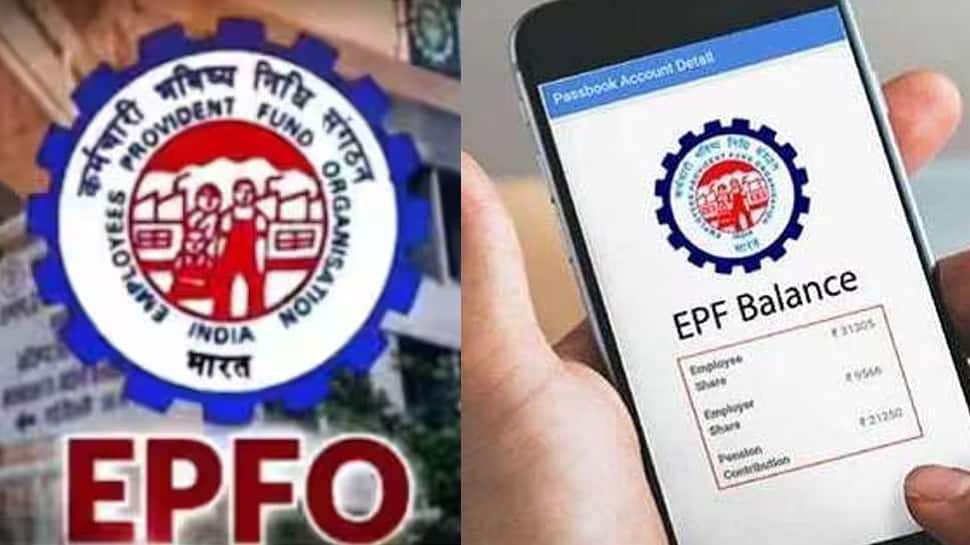
EPFO 3.0 will make withdrawals faster, giving you quick access to your funds when needed. A dedicated mobile app (EPFO 3.0) will let you check balances, track contributions, and raise claims anytime via net banking. With higher interest on deposits and seamless digital management, it enhances financial security, ensuring convenience, better control, and a hassle-free PF experience.
Faster, Paperless, And Hassle-Free Withdrawals
EPFO 3.0: Key Upgrades
EPFO 3.0: Enhanced Security And UPI-Enabled Transactions
EPFO 3.0: How To Withdraw PF From ATMs?
The new system will introduce dedicated PF withdrawal cards, functioning like regular bank ATM cards. This will allow employees to withdraw their EPF savings directly from ATMs, providing immediate access to funds without the need for lengthy approval processes.
Step 1: Go to an EPFO-approved ATM (list to be announced).
Step 2: Use the card linked to your EPFO Universal Account Number (UAN).
Step 3: Input your PIN and choose the withdrawal option.
Step 4: Select the amount you wish to withdraw and confirm.
Step 5: Get your PF withdrawal instantly from the ATM.
EPFO 3.0: Modify Your Personal Details Anytime