How To Delink Wrong PF ID You Have Attached To Your UAN; Online Process Explained

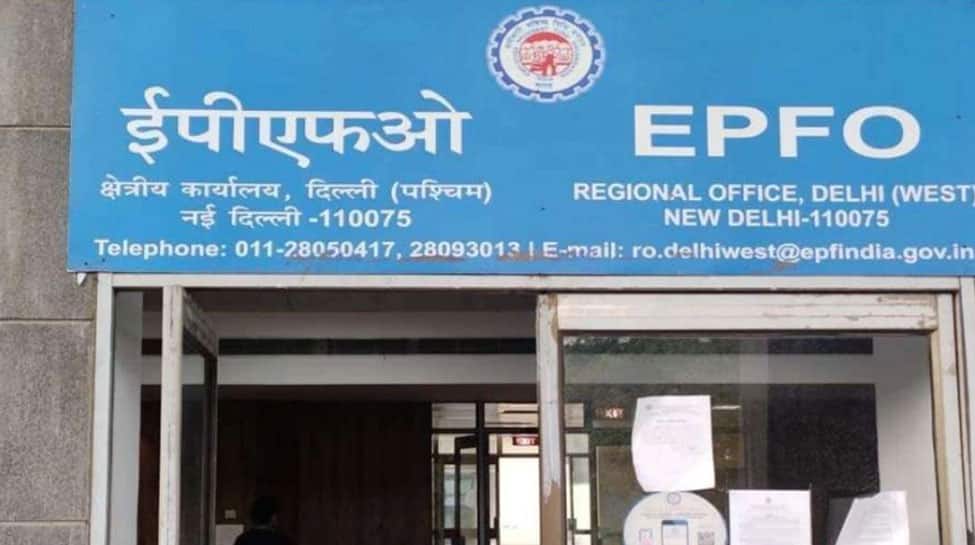
EPFO Members can delink their incorrectly linked member IDs through the unified portal or they can do so by physically visiting the EPFO office.

Reema Sharma | Dec 15, 2025, 15:50 PM IST

EPFO Members can delink their incorrectly linked member IDs through the unified portal or they can do so by physically visiting the EPFO office.


1/8

Delink Wrong PF ID From UAN

Delink Wrong PF ID From UAN

If your Universal Account Number (UAN) is linked to a wrong ID then you can delink it. To unlink the incorrect ID, visit the Employees' Provident Fund Organisation (EPFO) unified member's website. The EPFO offers members the ability to delink any erroneous Member Id in their UAN that was linked without their knowledge. 

2/8

Delink incorrect member ID via portal

Delink incorrect member ID via portal

Members can delink their incorrectly linked member IDs through the unified portal by following these steps. 

3/8

Log in to the Member Interface

Log in to the Member Interface

Enter your UAN, Password and Captcha Navigate to the View menu and click on the Service History sub-menu To delink wrongly linked previous member ID details, click the Delink button Select the reason for delinking on the next page Click the OTP Verification for Delinking Upon successful verification, the Member ID will be delinked You will be redirected to your service history, where the delinked Member ID will no longer appear

4/8

Error in delinking

Error in delinking

If an Electronic Challan-cum-Return has been filed against the Member ID, attempting to delink will result in an error notice. The process of delinking will not be completed. 

5/8

How to avoid errors?

How to avoid errors?

Members who wish to delink their incorrectly linked member IDs via the unified portal must ensure that their Aadhaar-linked mobile number is active and accessible. Second, members should verify all details before starting the delinking process to avoid errors.

6/8

Conatact employer whose member ID is showing wrongly
Conatact employer whose member ID is showing wrongly

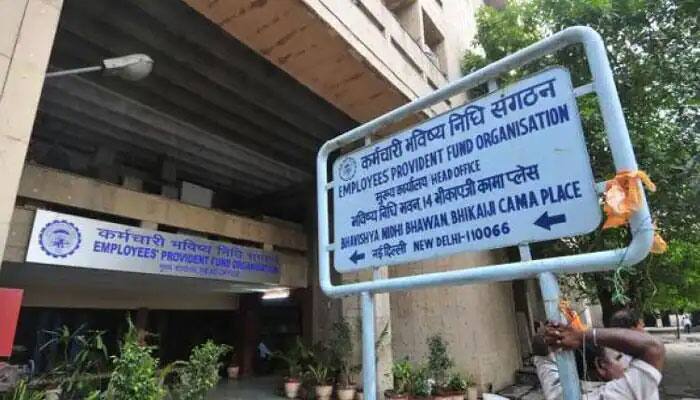
Contact the employer whose member ID is incorrectly shown under your UAN. Contact their HR and explain that an incorrect PF member ID has been tagged to your UAN and is appearing in your EPFO records. 

7/8

Raise EPFO grievance

Raise EPFO grievance

Raise an online grievance with EPFO through the EPFiGMS portal. In your complaint, provide your UAN, correct member ID and the wrong member ID and the employer name linked to it. In the grievance section, explain that an incorrect PF member ID has been tagged to your UAN.

8/8

Visit PF office

Visit PF office

If necessary, visit the regional PF office that handles the employer’s code. Carry your ID documents, UAN details and copies of your grievance. Explain to the representatives that an incorrect PF member ID has been tagged to your UAN.

Most Popular