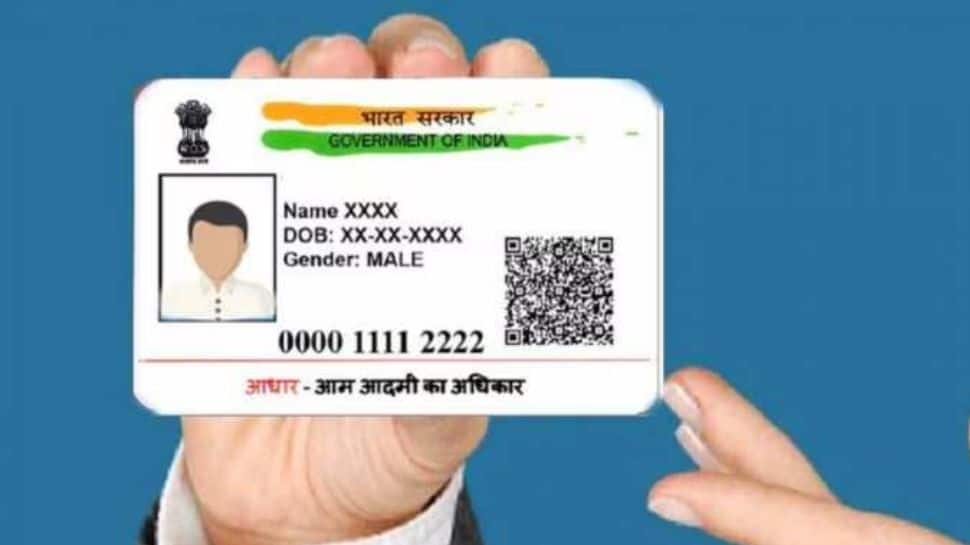
Not Happy with Your Aadhaar Photo? Here’s How To Update It With These Steps

Your Aadhaar card is an essential document for identity verification and government services in India. If you're unhappy with your Aadhaar photo, you can update it easily by following these steps!  

Zee Media Bureau | Mar 08, 2025, 14:33 PM IST
1/7

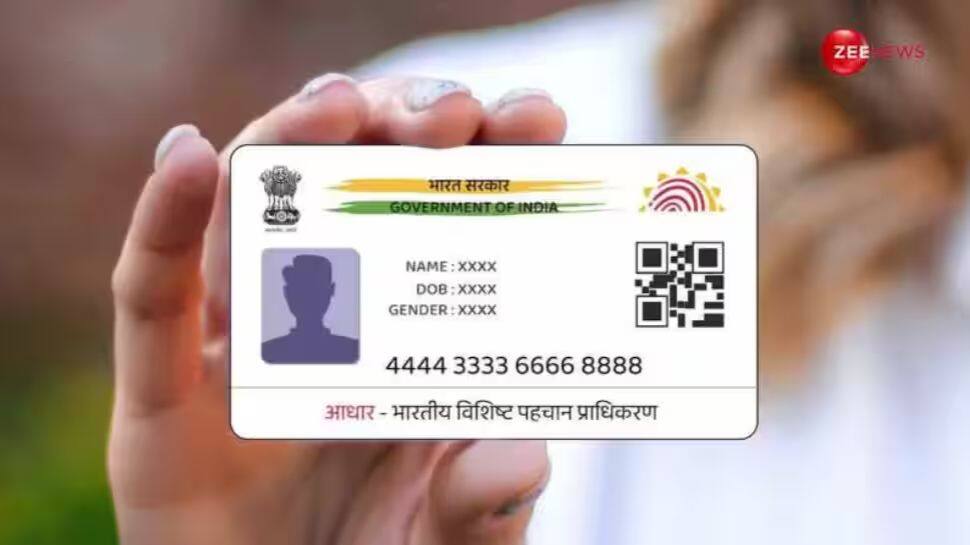
Visit the UIDAI Website

Visit the UIDAI Website

Go to the official UIDAI website: https://uidai.gov.in


2/7

Download the Aadhaar Update Form
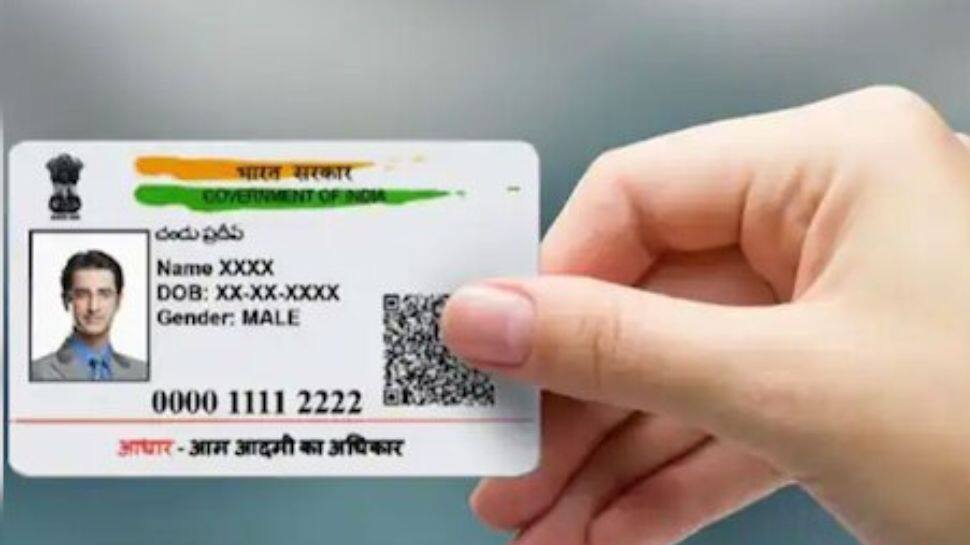
Download the Aadhaar Update Form

On the homepage, download the Aadhaar Enrolment/Update Form and take a printout.


3/7

Fill Out the Form

Fill Out the Form

Enter all required details carefully to avoid errors.


4/7

Visit an Aadhaar Centre

Visit an Aadhaar Centre

Take your filled form and visit the nearest Aadhaar Enrolment Centre or Aadhaar Sewa Kendra.


5/7

Provide Biometrics & Get a New Photo
Provide Biometrics & Get a New Photo

Submit the form to the Aadhaar official. Provide your biometric details. A new photograph will be taken on the spot.

6/7

Receive the Acknowledgment Slip

Receive the Acknowledgment Slip

You will receive an Update Request Number (URN). Use this number to track your Aadhaar update status online.


7/7

Important Things to Know

Important Things to Know

No extra documents are needed to update your Aadhaar photo. You cannot upload a photo—your new picture is taken at the Aadhaar centre. It may take up to 90 days for the update to reflect. The Aadhaar photo update cannot be done online through the Self-Service Update Portal (SSUP).


Most Popular