


PF Update: How To Update EPFO Date Of Exit Online All By Yourself -- Step By Step Process Explained
Retirement fund body EPFO allows PF subscribers to update their date of joining and exit by themselves. Here is the online process to update your date of exit on EPFO Portal.
Retirement fund body EPFO allows PF subscribers to update their date of joining and exit by themselves. Here is the online process to update your date of exit on EPFO Portal.
EPFO Date of Joining and Date of Exit
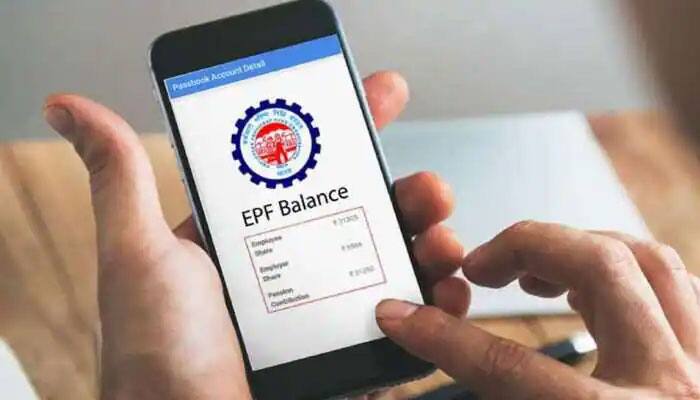
EPFO Date Of Exit For Online Transfer

EPFO Date Of Exit

Aadhaar-based one-time password

How To Update Date Of Exit On EPFO Portal?

Go to the https://unifiedportal-mem.epfindia.gov.in/memberinterface/ and login using your UAN and password
Click on tab “manage" >> click “mark exit". Under the “select employment” dropdown, select the previous PF account number linked to your UAN
Enter the date and reason of exit.
Then request for an OTP which will be sent to your Aadhaar-linked mobile number.
After you enter the OTP, submit the request. It may be noted that once the date of exit is updated, it cannot be changed.
What To Do If employer Hasn't Updated Date Of Exit Despite Lapse Of Two Months

Visit Member Unified Portal-> Enter UAN, Password and CAPTCHA
Go to Manage and Click Mark Exit-> Choose ‘PF Account Number’ from ‘select employment’ drop down-> Enter ‘Date of
Exit’ and ‘Reason of Exit’-
Click on option ‘RequestOTP’ and enter OTP sent on your Aadhaar linked Mobile Number
Give your consent by selecting the Checkbox
Click ‘Update’-> Click ‘OK’
Universal Account Number

Universal Account Number (UAN) acts as an umbrella for the multiple Member IDs allotted to an individual by different employers. UAN enables linking of multiple EPF Accounts (Member Id) allotted to a single member. UAN offers a bouquet of services like dynamically updated UAN card, updated PF passbook including all transfer-in details, facility to link previous members’ PF ID with present PF ID, monthly SMS regarding credit of contribution in PF account and facility for auto triggering transfer request on change of employment.