What Is e-Aadhaar Card? Check Security Features, Password Format, Validity And How to Download From UIDAI Website

e-Aadhaar Card Features: The e-Aadhaar is a secure, convenient, and eco-friendly identity document. It ensures data privacy, allows easy sharing, and is equally valid as the physical Aadhaar card for all official purposes.  

Zee Media Bureau | Jul 27, 2025, 14:28 PM IST

e-Aadhaar Card Features: The e-Aadhaar is a secure, convenient, and eco-friendly identity document. It ensures data privacy, allows easy sharing, and is equally valid as the physical Aadhaar card for all official purposes.   

1/8

What is e-Aadhaar?
e-Aadhaar Card

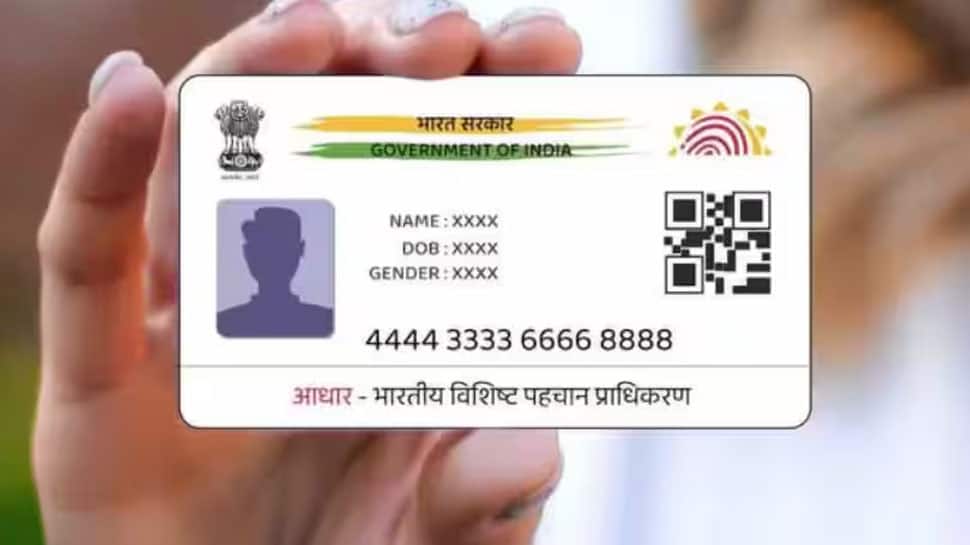
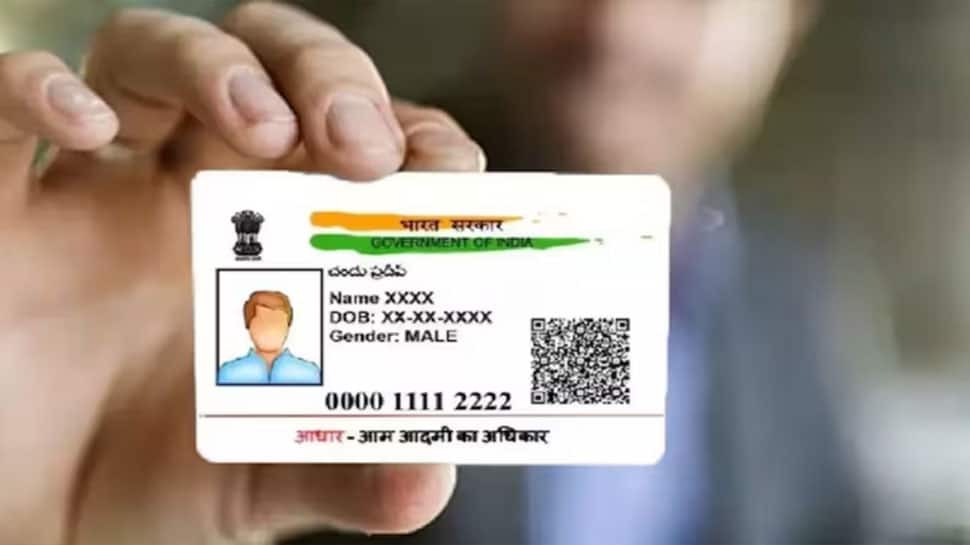
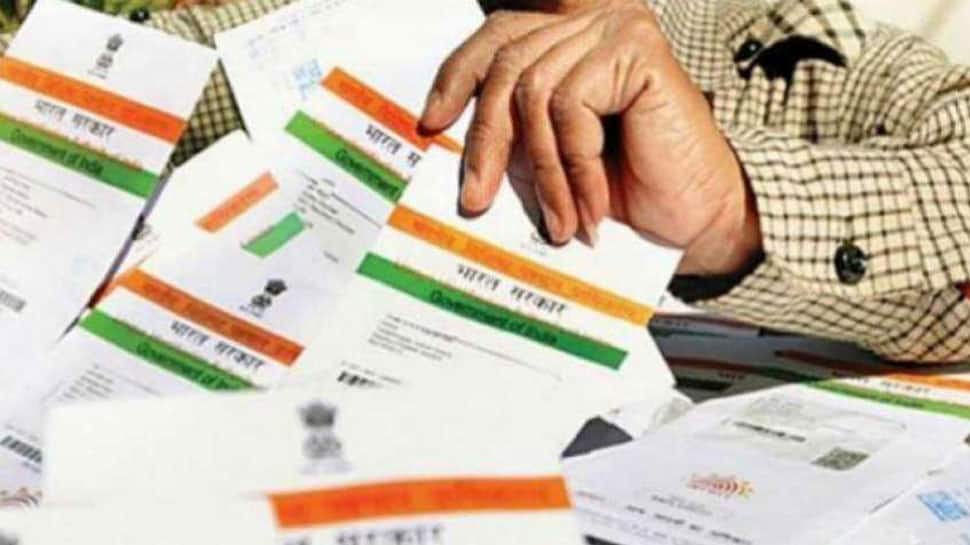
e-Aadhaar is a digital version of your physical Aadhaar card, issued and signed electronically by UIDAI. It contains your Aadhaar number, demographic details, and photograph, and is accepted as legal proof of identity and address across India.  

2/8

e-Aadhaar Valid In Identification Verification Purposes
e-Aadhaar Card

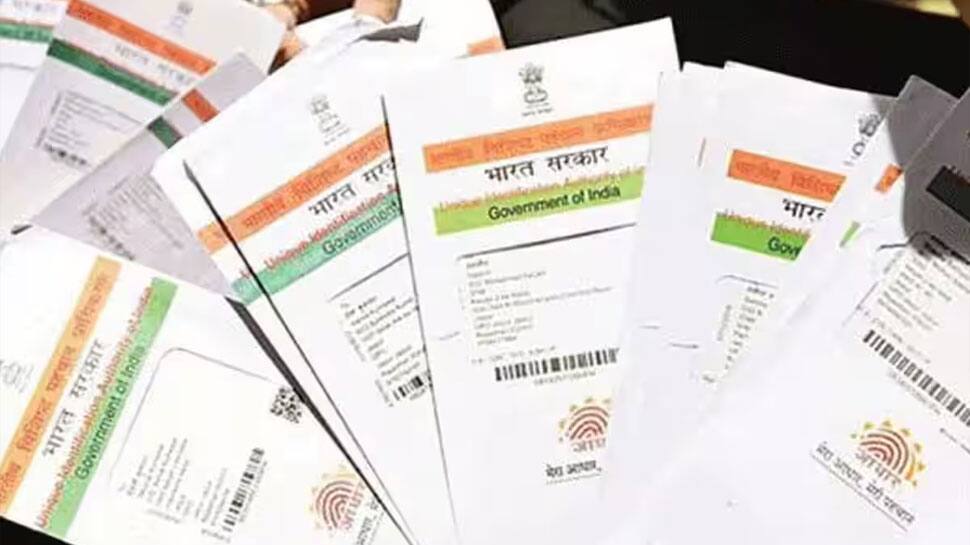
The e-Aadhaar card is fully recognized by all government agencies, banks, and private sector services for identification and address verification purposes. It holds equal legal standing to the original physical Aadhaar card and is suitable for all KYC-required transactions.  

3/8

e-Aadhaar Formats Available

e-Aadhaar Card

You can download your e-Aadhaar in two versions: the standard card, which displays your complete 12-digit Aadhaar number, and the masked card, which only shows the last four digits for better privacy, ensuring options for different security needs. 

4/8

e-Aadhaar Security Features

e-Aadhaar Card

The e-Aadhaar PDF is encrypted and secured with a digital signature from UIDAI. It also features a secure QR code that can be scanned for instant, tamper-proof verification of your data, giving added assurance of authenticity and integrity.  

5/8

How To Download e-Aadhaar From UIDAI Website
e-Aadhaar Card

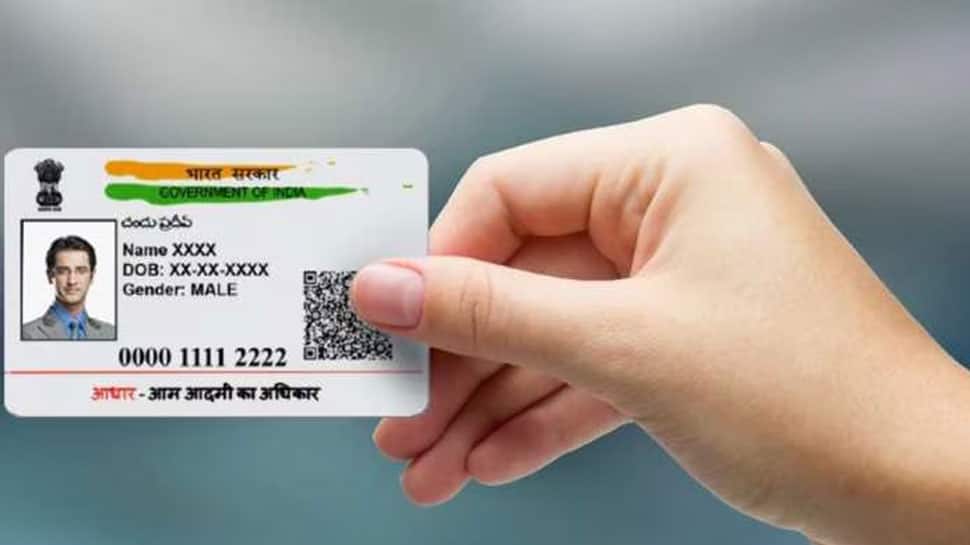
To download your e-Aadhaar, go to the UIDAI website, select “Download Aadhaar” under the “My Aadhaar” tab, and enter your Aadhaar, Enrolment, or Virtual ID. Complete the OTP authentication process to access and download your preferred version.  

6/8

e-Aadhaar PDF Password

e-Aadhaar Card

The downloaded e-Aadhaar PDF is protected with a password, which is a combination of the first four uppercase letters of your name and your year of birth (for example, RAMA1990). This step ensures only authorized access to your information.  

7/8

e-Aadhaar Convenient Access

e-Aadhaar Card

e-Aadhaar can be saved on your mobile device via the mAadhaar app or DigiLocker for quick, anytime access. It is also printable, and can be shared as a digital file by email, giving you flexible options for usage across platforms.  

8/8

e-Aadhaar Privacy Protection

e-Aadhaar Card

Your privacy is safeguarded through masking options and strong PDF password protection. Only minimal personal information is visible when you choose the masked version, and your sensitive data is never shared without your explicit consent.  

Most Popular