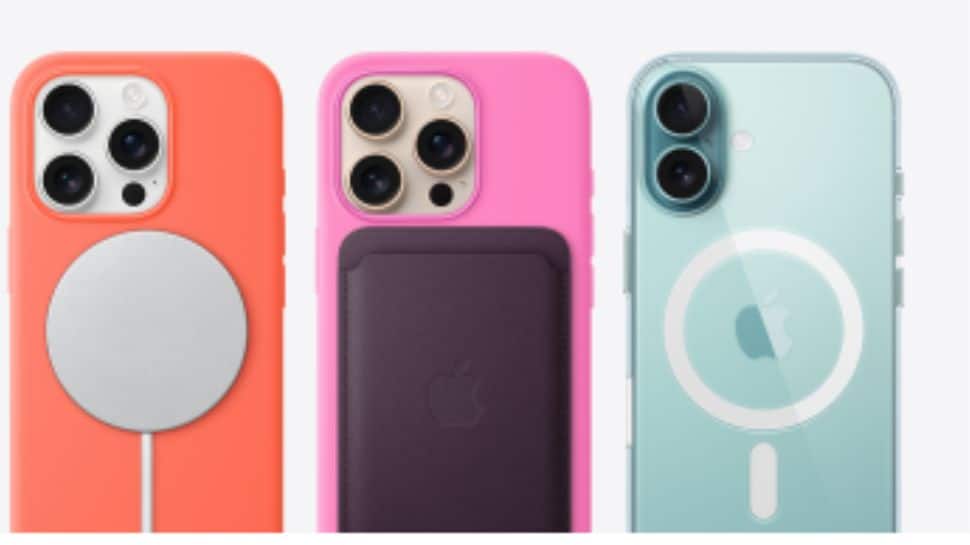
Apple iPhone Buyers Beware: Is Your New iPhone Real Or Fake? Here’s How To Check

Apple's iPhone Is Real Or Fake: With iPhones being a global status symbol, the rise in demand has fueled a surge in counterfeits. From shady sellers to fake repairs, spotting a fake iPhone isn’t easy. This guide helps you check packaging, software, and build—or head to Apple experts for peace of mind.

Zee Media Bureau | Jul 13, 2025, 14:16 PM IST

Apple's iPhone Is Real Or Fake: With iPhones being a global status symbol, the rise in demand has fueled a surge in counterfeits. From shady sellers to fake repairs, spotting a fake iPhone isn’t easy. This guide helps you check packaging, software, and build—or head to Apple experts for peace of mind.

1/8

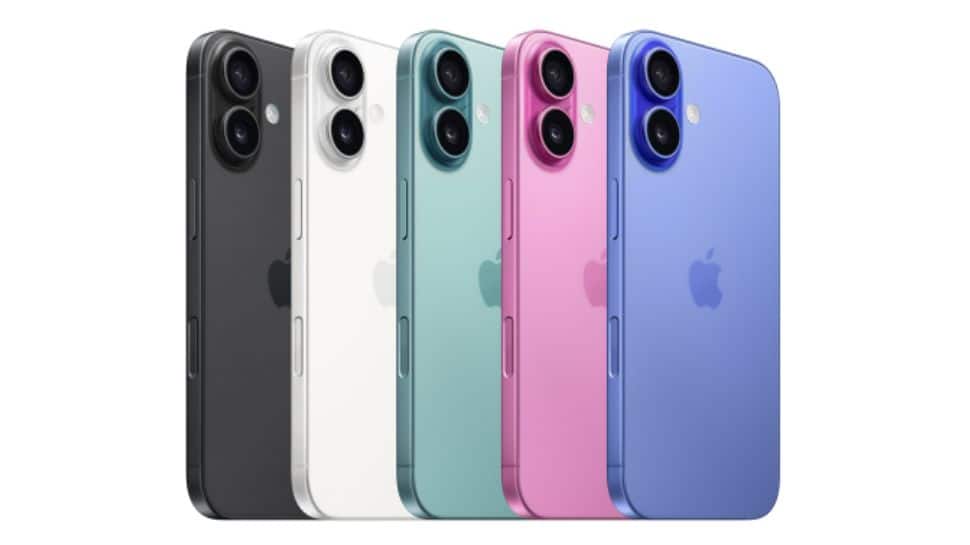
iPhones: Status And Popularity
Apple's iPhone Is Real Or Fake

iPhones are not just smartphones—they're symbols of prestige and innovation. Known for their powerful features and seamless performance, iPhones consistently rank among the top-selling devices worldwide, making them a dream gadget for many tech enthusiasts. 

2/8

iPhone Is Real Or Fake: Beware Of Unauthorised Sellers
Apple's iPhone Is Real Or Fake

Purchasing an iPhone from unauthorised third-party sellers or visiting unverified repair shops can be risky. Many users have reported receiving fake devices or having their genuine iPhones swapped with counterfeits during repairs in untrustworthy markets.  

3/8

iPhone Demand Spurs Fakes

Apple's iPhone Is Real Or Fake

Apple generated nearly $39 billion in iPhone revenue in Q3 2024 alone. With such massive demand, counterfeit markets are booming, offering fake iPhones that closely resemble the real deal—making it hard to spot the difference. 

4/8

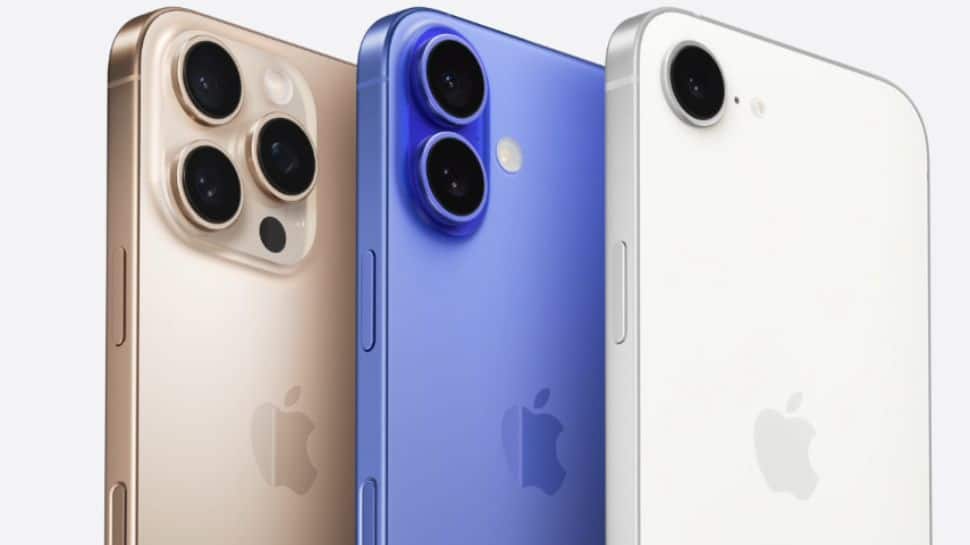
iPhone Is Real Or Fake: Inspect Packaging And Accessories
Apple's iPhone Is Real Or Fake

Apple’s packaging is precise and premium. Look for sturdy boxes, high-resolution images, and proper alignment. Cheap-looking prints, loose fittings, or accessories that don’t match Apple’s standards could signal a fake iPhone in the box.  

5/8

iPhone Is Real Or Fake: Verify Serial Number And IMEI
Apple's iPhone Is Real Or Fake

Every iPhone has a unique serial number and IMEI. Go to Settings > General > About, and enter the serial number on Apple’s Check Coverage site to confirm if your device is officially registered with Apple.


6/8

iPhone Is Real Or Fake: Examine Build Quality
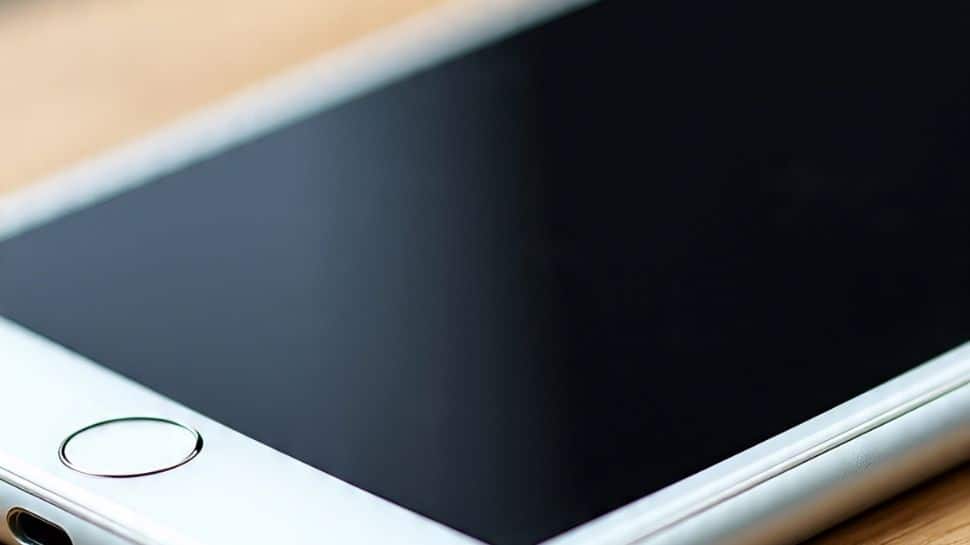
iPhone Is Real Or Fake

A genuine iPhone feels solid with no loose parts, rough edges, or misaligned logos. Check the SIM tray, display, and buttons. Fake iPhones often show noticeable build flaws that give them away on close inspection. 


7/8

iPhone Is Real Or Fake: Check iOS Software
iPhone Is Real Or Fake

iPhones run exclusively on iOS. Visit Settings > General > Software Update to verify your software. Try activating Siri—if it doesn’t respond or feels off, your phone might be running a fake iOS skin on Android.  

8/8

iPhone Is Real Or Fake: Visit An Authorised Service Centre
iPhone Is Real Or Fake

If you're still uncertain about your iPhone’s authenticity, visit an authorised Apple service centre. Certified experts can quickly verify whether your device is genuine and ensure it hasn’t been tampered with or replaced. (Image Credit: Freepik and Apple Official Website)

Most Popular