


Downloaded Sanchar Saathi? Here’s What I Found: Permissions Needed, Features, 90-Day Deadline For Apple, Samsung, OnePlus, Vivo And How To Install App
Sanchar Saathi App Features: The Department of Telecommunications has directed all smartphone makers to pre-install the Sanchar Saathi app on every new device launched in India, marking a significant push toward tighter mobile security. While most brands are expected to comply, Apple is reportedly planning to resist the mandate.
Sanchar Saathi App Features: The Department of Telecommunications has directed all smartphone makers to pre-install the Sanchar Saathi app on every new device launched in India, marking a significant push toward tighter mobile security. While most brands are expected to comply, Apple is reportedly planning to resist the mandate.
According to sources quoted by Reuters, the company has raised concerns over user privacy and device security, calling the requirement to preload a government-run cyber safety app “unprecedented.” This clash sets the stage for a major debate between regulatory expectations and Apple’s strict privacy-first approach.
DoT Mandates Sanchar Saathi Pre-Install

Sanchar Saathi: 90-Day Deadline For Smartphone Brands

The government has given smartphone manufacturers 90 days to complete the app’s pre-installation across their new models. Adding further, brands like Apple, Vivo, OnePlus, Samsung and etc must submit a compliance report within 120 days, ensuring smooth rollout and accountability for meeting the cybersecurity requirements.
Sanchar Saathi: App Requires Several Sensitive Permissions
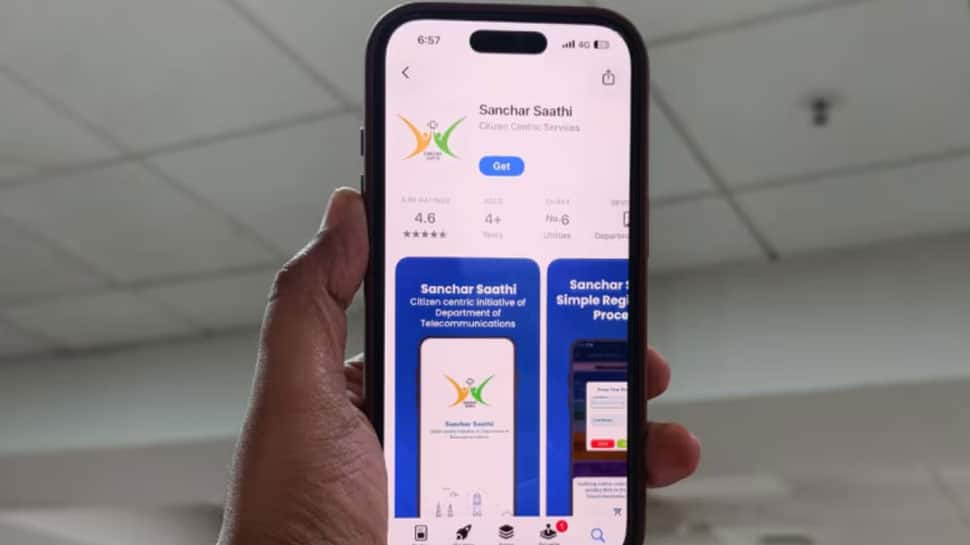
When I tested the app and downloaded it, it immediately asked me for access to my call logs, SMS, camera, notifications, and phone permissions. It also needed an active internet connection to communicate with government servers. These extensive permissions are required for its security features to work effectively.
Sanchar Saathi App: Helps Block Lost Or Stolen Phones Nationwide

Sanchar Saathi Mobile App Features

Sanchar Saathi: Permissions Don’t Make App Dangerous

Sanchar Saathi App: Apple Reportedly Opposes the Mandate

Sanchar Saathi App: How To Install And Register
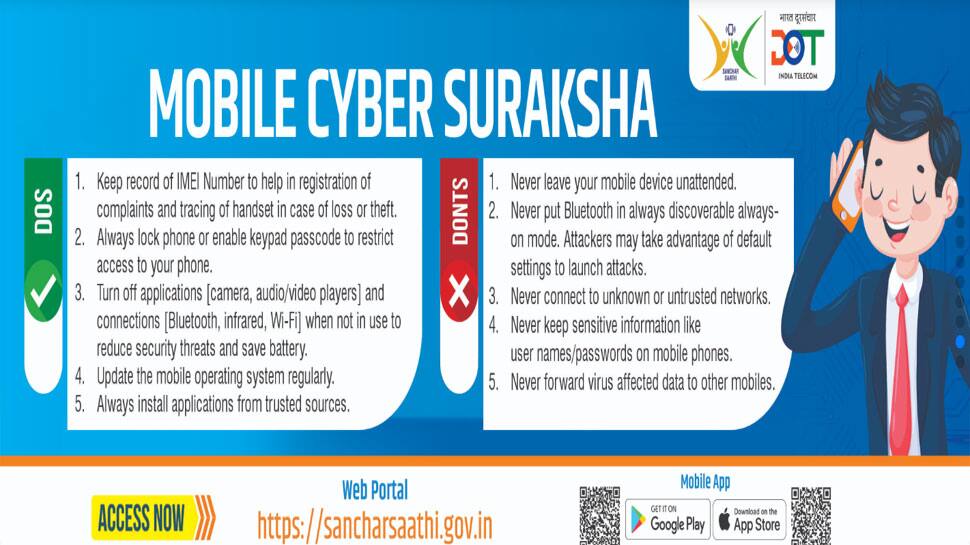
Step 1: Open the Play Store (Android) or App Store (iOS) on your smartphone.
Step 2: Search for Sanchar Saathi and ensure you select the official app published by the Department of Telecommunications (DoT).
Step 3: Tap Install or Get to download it. On iOS, the app size is roughly 50–60 MB.
Step 4: After installation, launch the app.
Step 5: Register with your mobile number. You’ll receive an OTP for verification—enter it and follow the on-screen steps to complete the login process.
Step 6: Once you’re logged in, you can start accessing all the main services offered by the app.