


'Nano Banana' Trend: 10 Must-Try Viral Prompts On Google Gemini App; Check Step- By- Step Guide
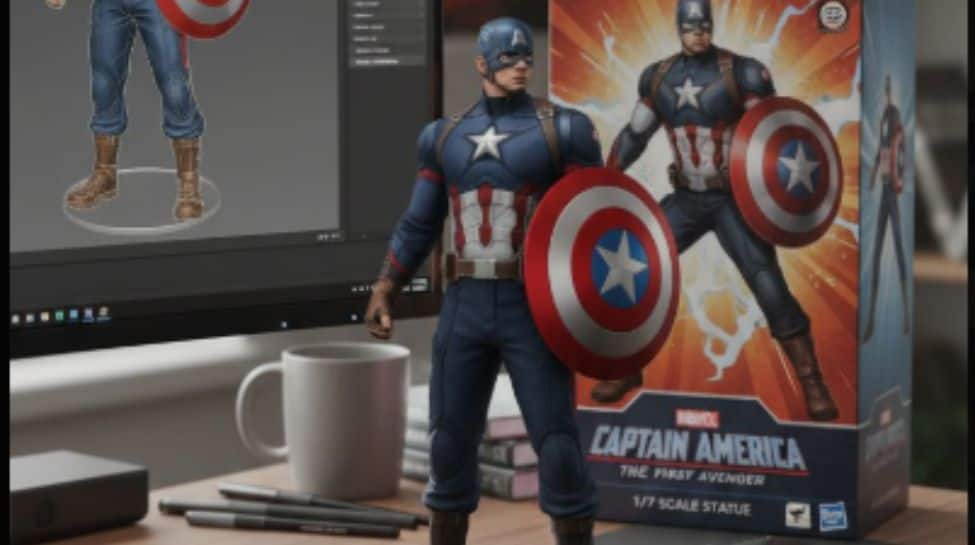
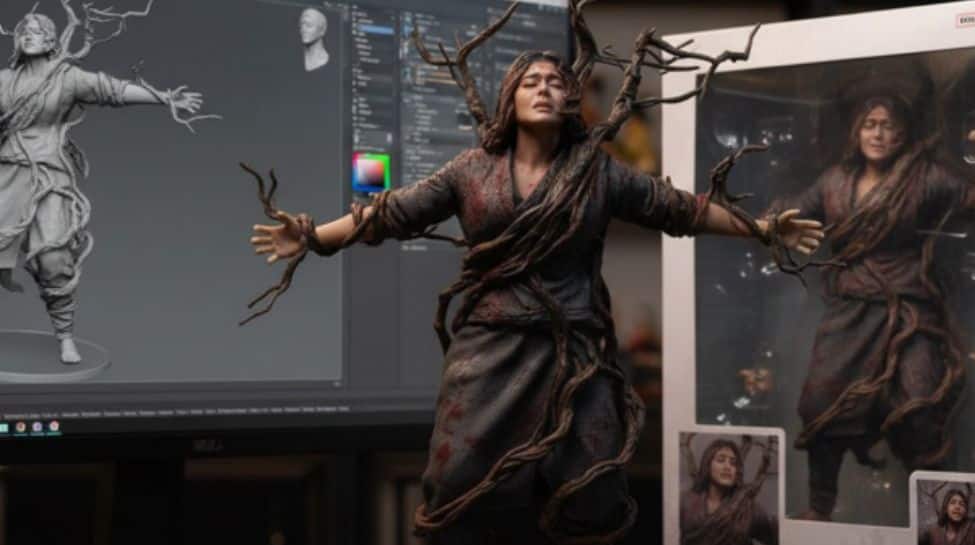
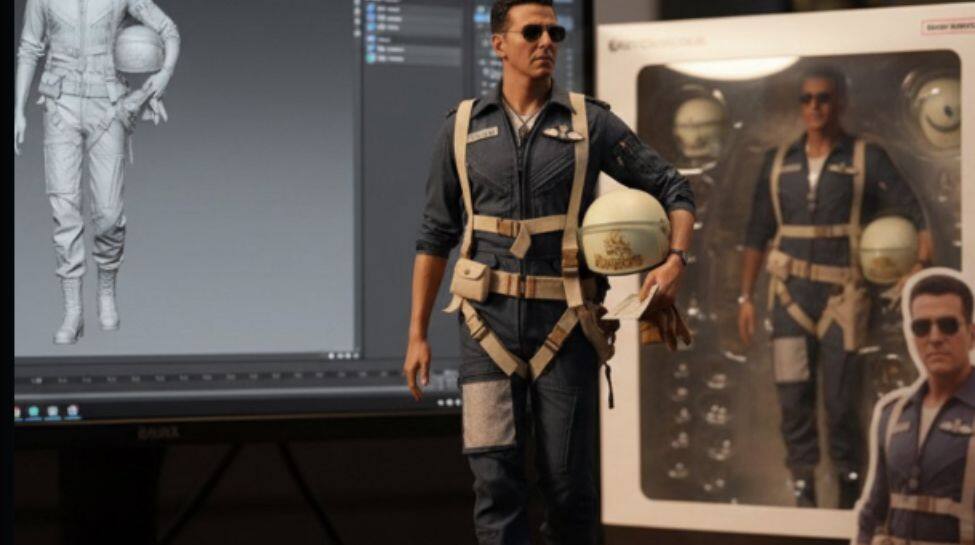
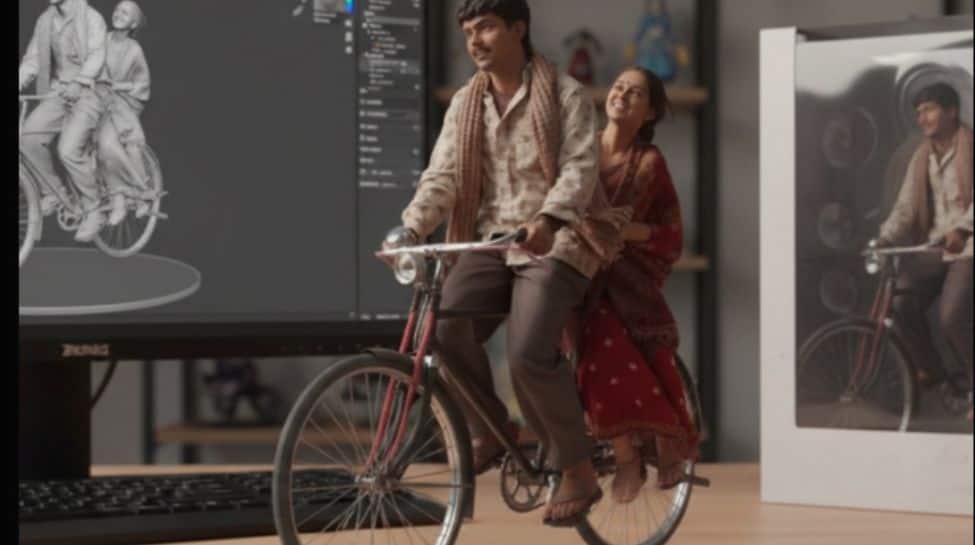
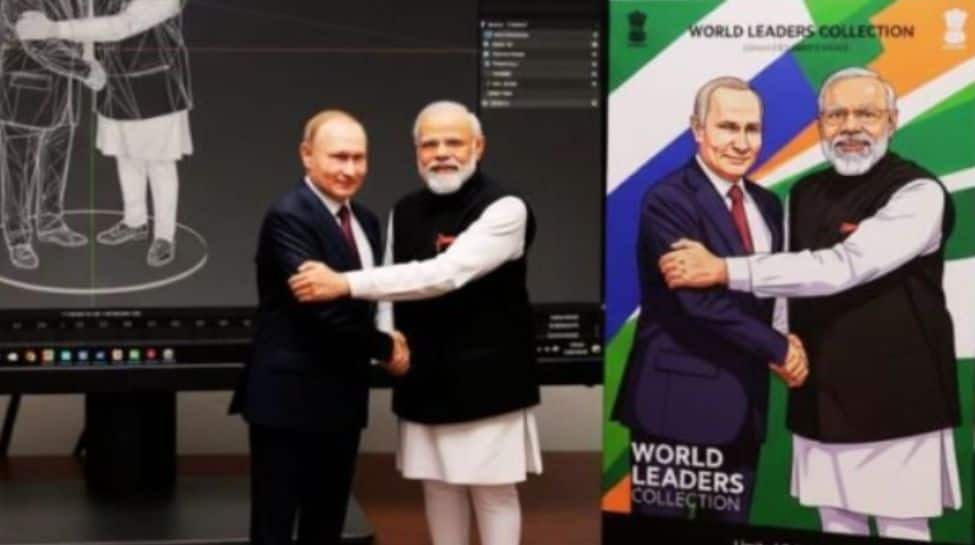
The Nano Banana craze refers to a viral AI‐image feature in Google Gemini (also seen via Google AI Studio) that lets users transform photos into ultra‑realistic 3D figurines. These figurines often come with toy‑like packaging, acrylic bases, and staged scenes (for example, on a desk with a computer screen showing a modelling view).
Why Nano Banana Is More Than Just a Trend?
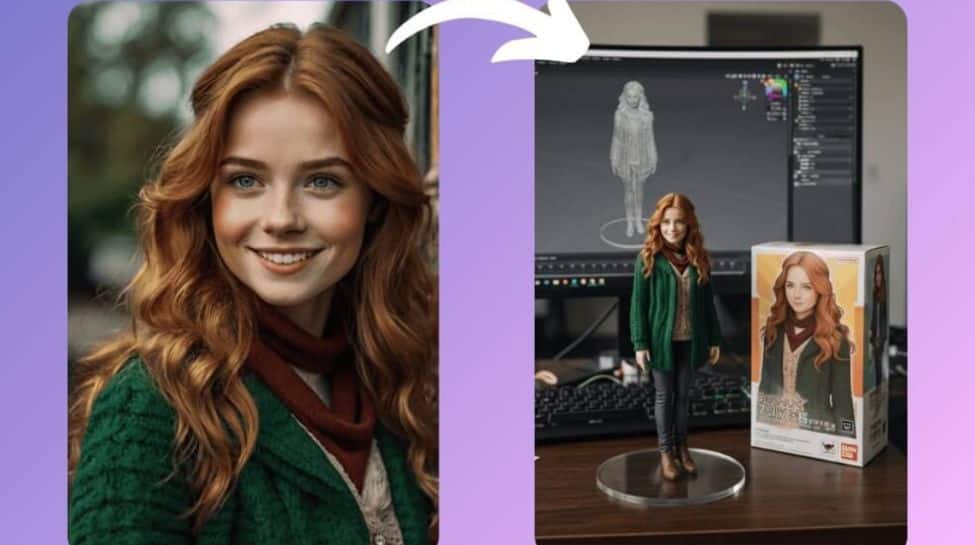
It shows the increasing power of AI to produce “toy‑like” collectible styles quickly. It lowers the barrier for creative content: you need not be a professional artist. It becomes a way to personalize digital identity (avatars, display pics, social media content). It helps push social engagement: people share, compare, remix. It surfaces discussions around AI, identity, copyright, style, image ownership.
How To Try It: Step‑By‑Step
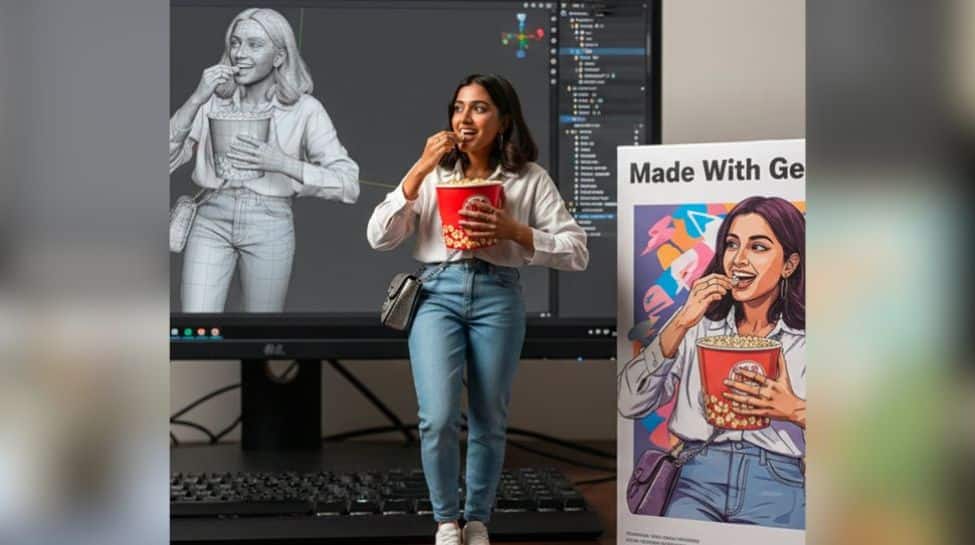
Here’s how you can make your own Nano Banana‑style image:
Open Gemini App / Gemini AI Studio (or via the web if available). Ensure you are using Gemini 2.5 Flash Image / “Nano Banana” model. Upload a photo you want to transform (yourself, a pet, a pet + you, etc.). Make sure the photo is clear enough for details. Write/paste a prompt describing how you want the figurine style: scale, environment, packaging, lighting, base, etc. There are official prompt templates you can use or tweak. Generate the image. The model will process and create the 3D figurine image with the aesthetic you described. Review & tweak if needed: change background, adjust style, change scale, etc., by editing the prompt or trying a new photo. Then download/share.
10 Must‑Try Viral Prompts for Nano Banana
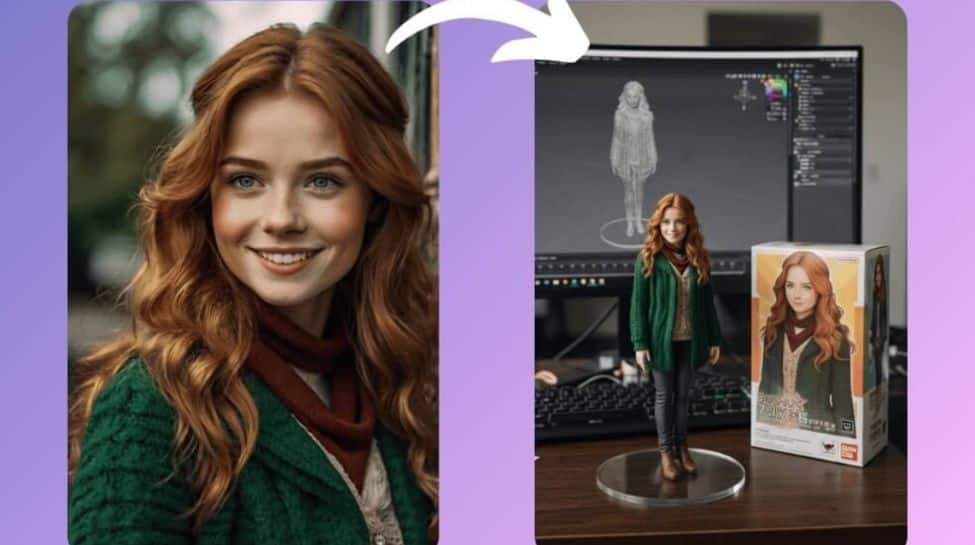
Here’s one most viral and common prompt people have used:
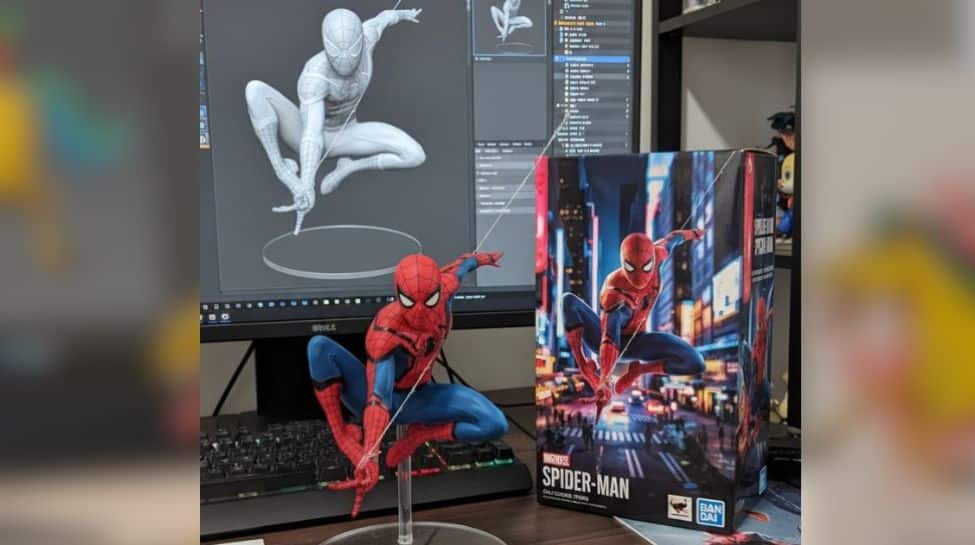
“Create a 1/7 scale commercialised figurine of the characters in the picture, in a realistic style, in a real environment. The figurine is placed on a computer desk. The figurine has a round transparent acrylic base with no text on the base. The content on the computer screen is a 3D modelling process of this figurine. Next to the computer screen is a toy packaging box, designed in a style reminiscent of high‑quality collectible figures, printed with original artwork. The packaging features two‑dimensional flat illustrations.”
1. Action Figure Persona
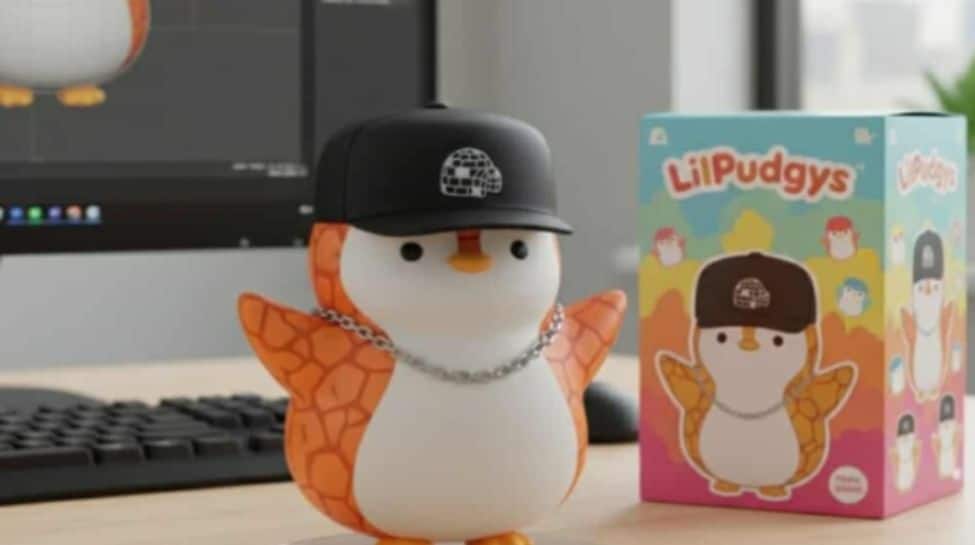
2. Retro Decade Throwback
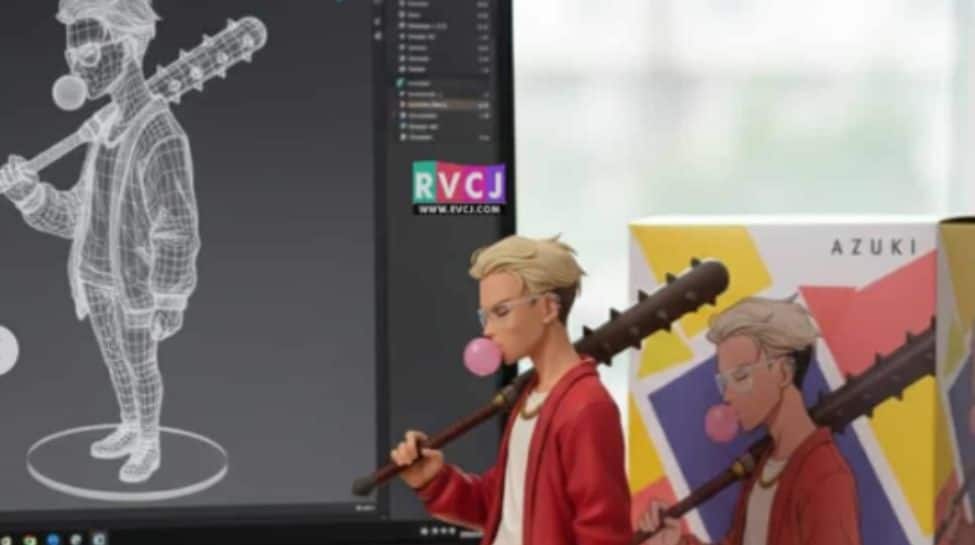
3. TV Show Insertion
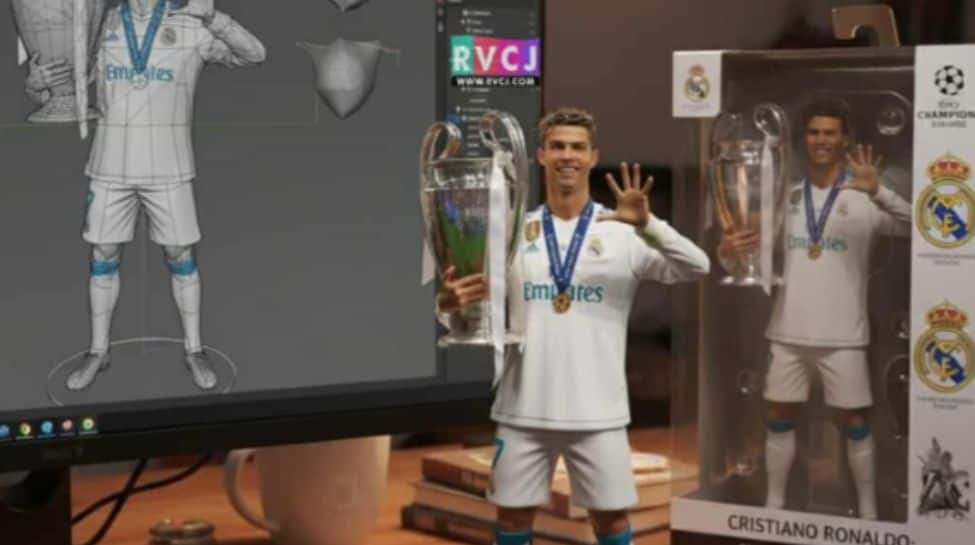
4. Classic Artwork Mash‑Up
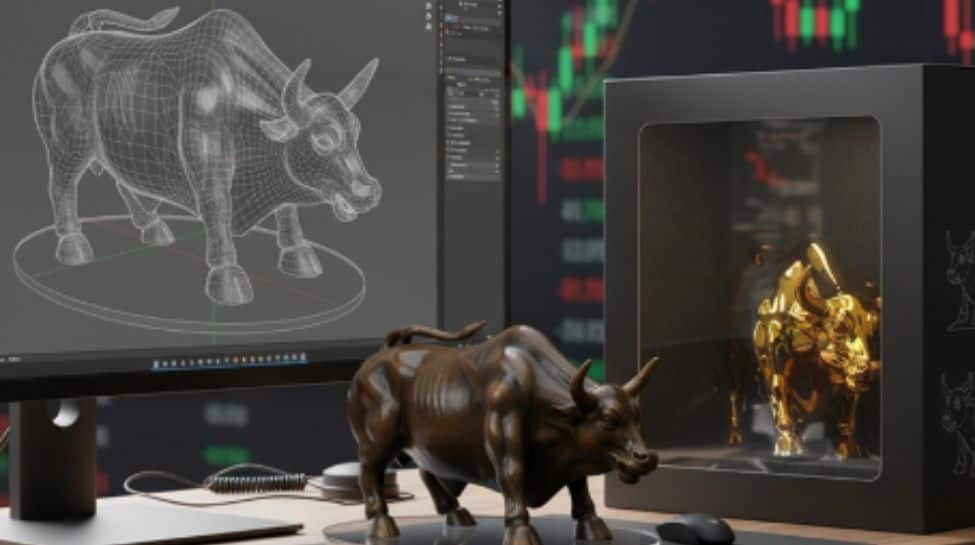
5. Travel & Landmarks
6. Pet or Animal Companion Version
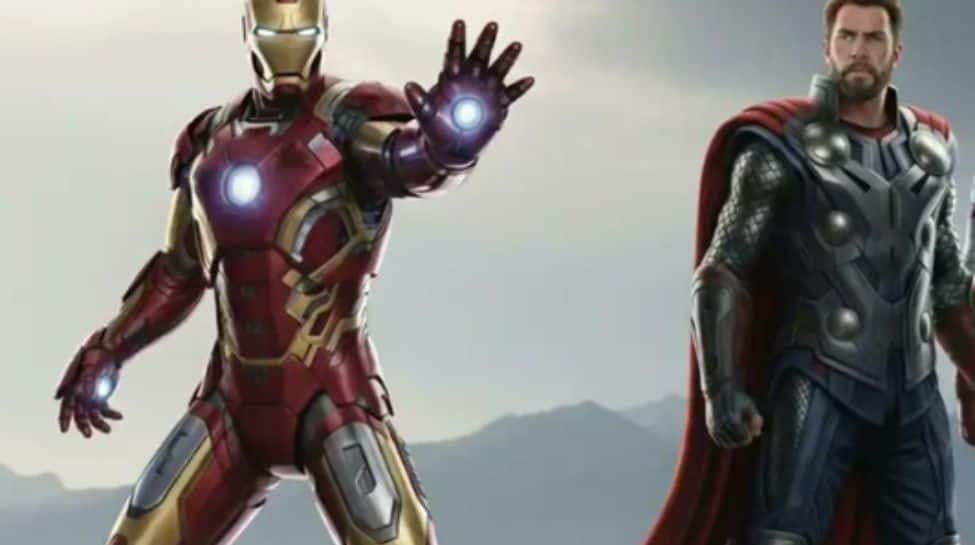
7. Futuristic / Sci‑Fi Twist
8. Holiday / Festival Edition
9. Hologram / Transparent Style
10. Artist Style Swap
Some Tips / Things To Keep in Mind
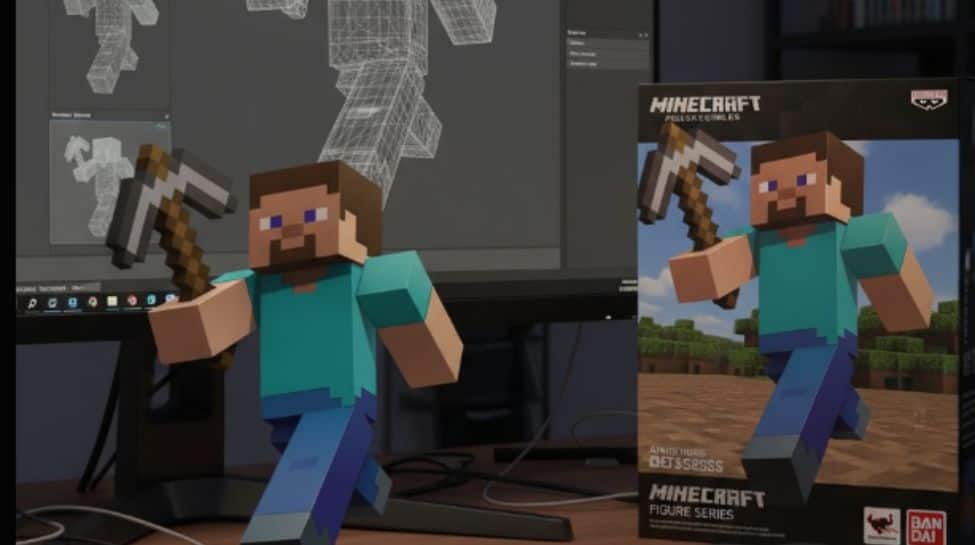
Photo quality matters: good lighting, clear features, simple background help Gemini render better. Prompt detail helps: framing, base style, packaging, environment – the more you describe, the more faithful the result tends to be. Adjust & iterate: sometimes first result may have quirks (e.g. hands, facial expression). Try retakes or tweak the pose. Ethics & permissions: if using photos of other people, characters, or copyrighted works, be mindful of rights. Output expectations: while impressively realistic, it's still an AI generation — perfect likeness or perfect realism in every part may not be guaranteed. Some parts like fine hand detail are often cited as weak spots.
(All Representative Images: X)