


Switching From Gmail To Zoho Mail? Here’s What Happens To Your Gmail Account; Follow Step-By-Step Guide; Check Features
Gmail To Zoho Mail Migration: Zoho created a buzz in India with its Arattai app, called a “WhatsApp killer.” Now, Zoho Mail is gaining attention as a privacy-focused alternative to Gmail, especially for professionals and small businesses. It offers custom domain support, an ad-free inbox, and strong privacy features. This guide will show you an easy way to move your emails, folders, and contacts from Gmail to Zoho Mail without losing anything.
Gmail To Zoho Mail Migration: Zoho created a buzz in India with its Arattai app, called a “WhatsApp killer.” Now, Zoho Mail is gaining attention as a privacy-focused alternative to Gmail, especially for professionals and small businesses. It offers custom domain support, an ad-free inbox, and strong privacy features. This guide will show you an easy way to move your emails, folders, and contacts from Gmail to Zoho Mail without losing anything.
What Is Zoho Mail
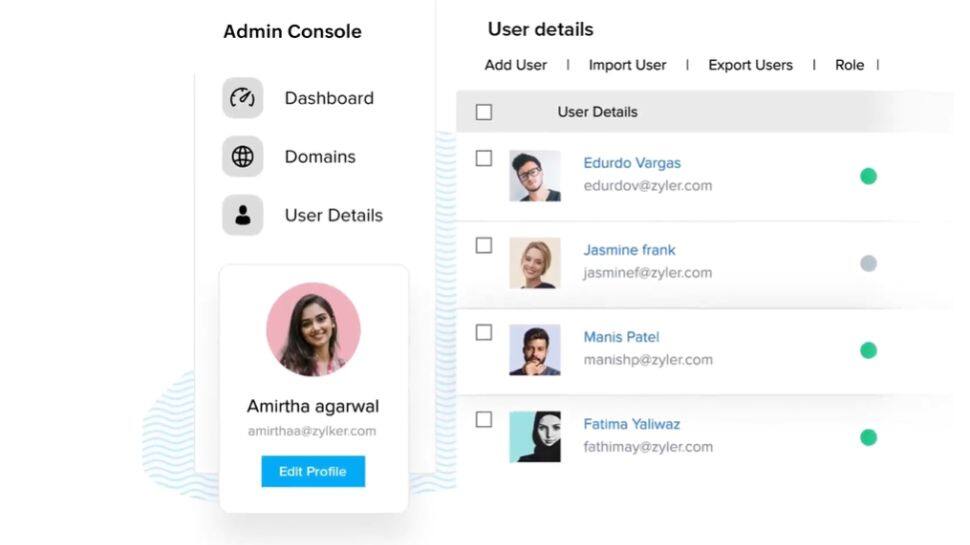
Step 1: Create Zoho Mail account
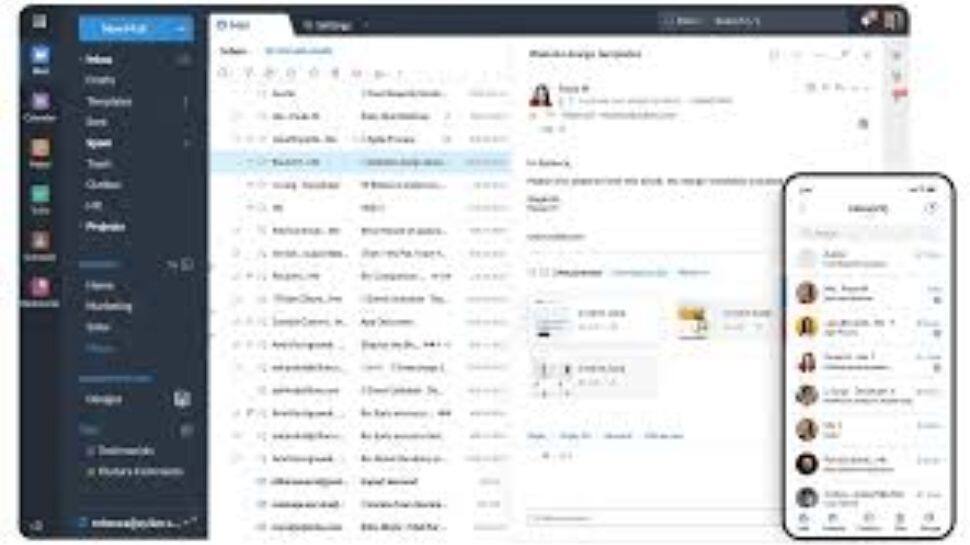
Step 2: Enable IMAP In Gmail

Step 3: Use Zoho’s Migration Tool
Step 4: Set Up Email Forwarding
Step 5: Update Contacts And Accounts
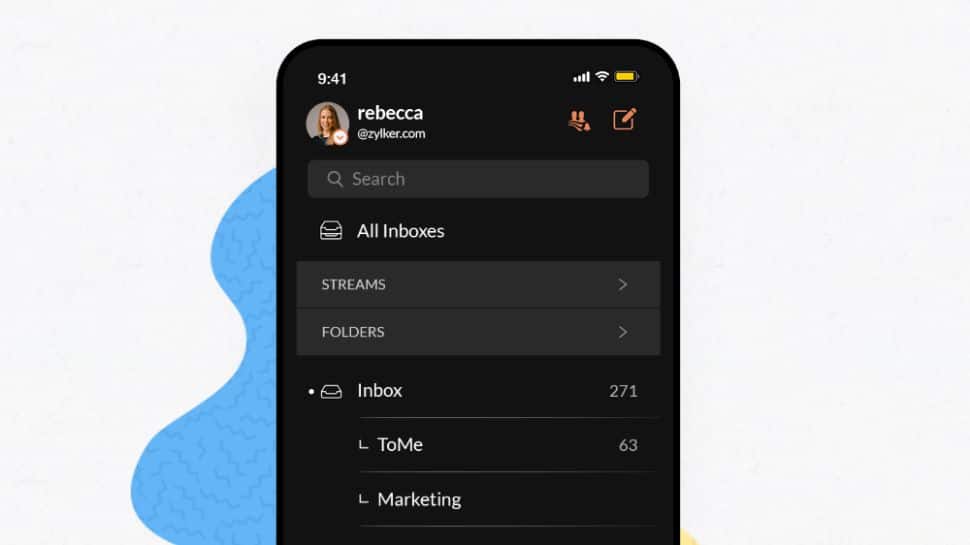
Zoho Mail Features

Zoho Mail provides an ad-free experience for all users, which also helps enhance privacy. The platform uses strong encryption protocols to keep your data secure, making it a great choice for anyone who wants more control over their email.
In addition to email services, Zoho offers a range of tools to help businesses manage various operations. These include CRM for sales and support, e-commerce for online stores, HR for employee management, accounting for finances, and analytics for insights. Key features include multi-channel customer engagement, low-code app development, email and collaboration tools, e-invoicing, and AI-driven analytics.
Switching To Zoho Mail? What Happens To Your Gmail Account
Moving your emails to Zoho Mail will not delete your Gmail account. The process only copies your data, including emails, folders, contacts, and calendar entries, from Google to Zoho. Your Gmail account will remain active unless you choose to delete it yourself. After the migration, you can continue using both accounts or close your Gmail account if you prefer. (Image Credit: Zoho official, Social Media and File Photo)